


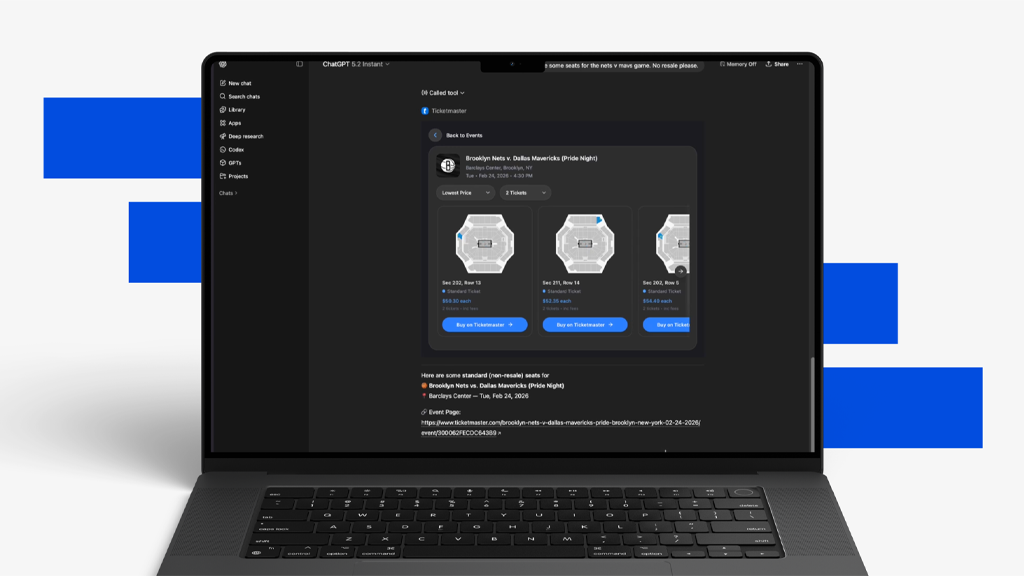
You’re probably already using your favorite AI platform to answer questions, plan dinner, or polish an email. But did you know you can also use it to discover events on Ticketmaster?
Through Ticketmaster’s partnerships with AI platforms like Muse, Gemini, Claude, ChatGPT and Amazon Alexa+, finding tickets to millions of events on our site is even easier—and directly within the flow of how you use chat assistants.
To discover events through Ticketmaster’s integration with these AI platforms, just ask questions like:
- What concerts are happening in Chicago this weekend?
- Find me two tickets for a Denver Nuggets game under $150 each.
- What shows are coming up at the Wiltern in Los Angeles?
- What family-friendly events are available this weekend?
How To Find Ticketmaster Events with Muse
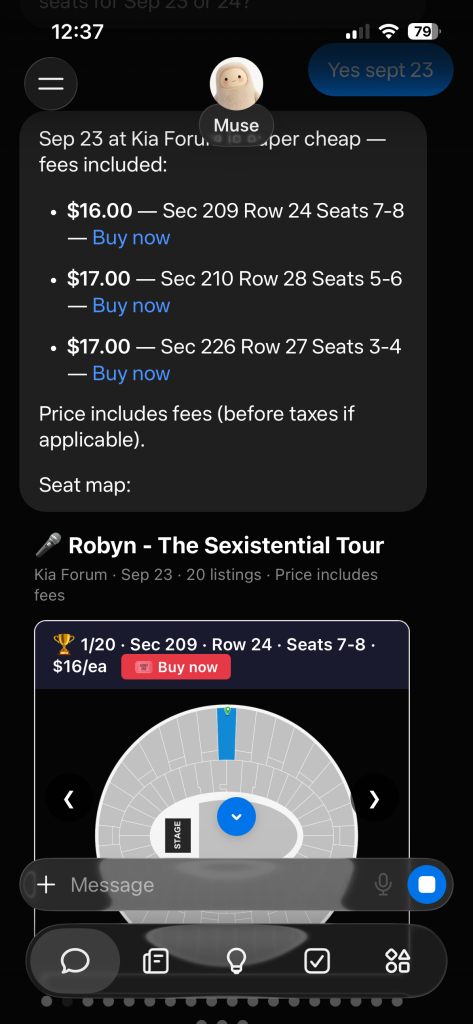
Fans can now discover events on Ticketmaster through Muse, Meta’s new personal AI agent. This new connector gives fans a new way to:
- Discover and lock in the experiences you care about — before they sell out or slip by
- Learn about exciting concerts, sports and other live events through your Muse based on your established preferences
- Browse real-time event information, seating options and ticket pricing
For example, you could ask your Muse to keep track of your favorite artists and teams. Your Muse can proactively surface concerts and events happening in your area, find you tickets, and allow you to continue directly to Ticketmaster to complete your purchase. You have complete control over the final purchase decision, and all transactions are backed by Ticketmaster’s secure platform.
The experience is currently available in English on web, iOS and Android for users in the U.S. and Canada.
How To Find Ticketmaster Events with Gemini
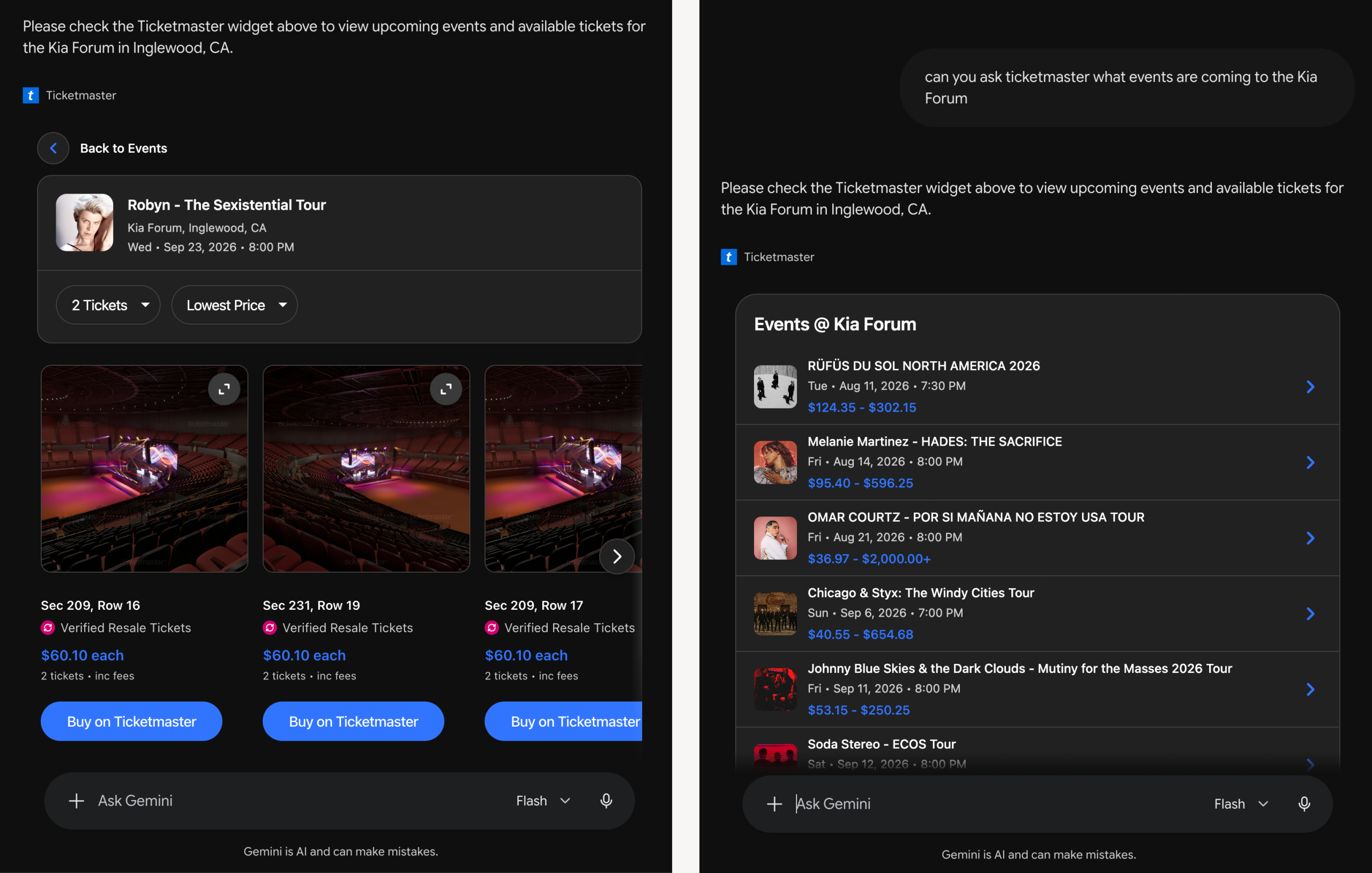
Ticketmaster is now available as a Connected App in Gemini, giving fans a new way to discover live events happening nearby. You can search for events, compare seating and ticket options, then purchase tickets directly from Ticketmaster’s safe and secure marketplace.
Using Ticketmaster in Gemini is easy. Follow these steps to find events near you:
- Connect Ticketmaster as a connected app in Gemini. Click Menu → Settings → Connected Apps (which may be nested under Personal Intelligence).
- Ask for @Ticketmaster when searching for concerts, sports, theater, festivals and other live events with the same language you’d use when talking to a friend.
- Browse real-time event information, seating options and ticket options.
- Compare available ticket options that best match your preferences.
- Continue directly to Ticketmaster with your selected seats already pre-selected to easily complete your purchase.
The app is currently available in English across Gemini on web, iOS and Android for U.S. based users and will become available in additional languages and locations over time.
How To Find Ticketmaster Events with Claude
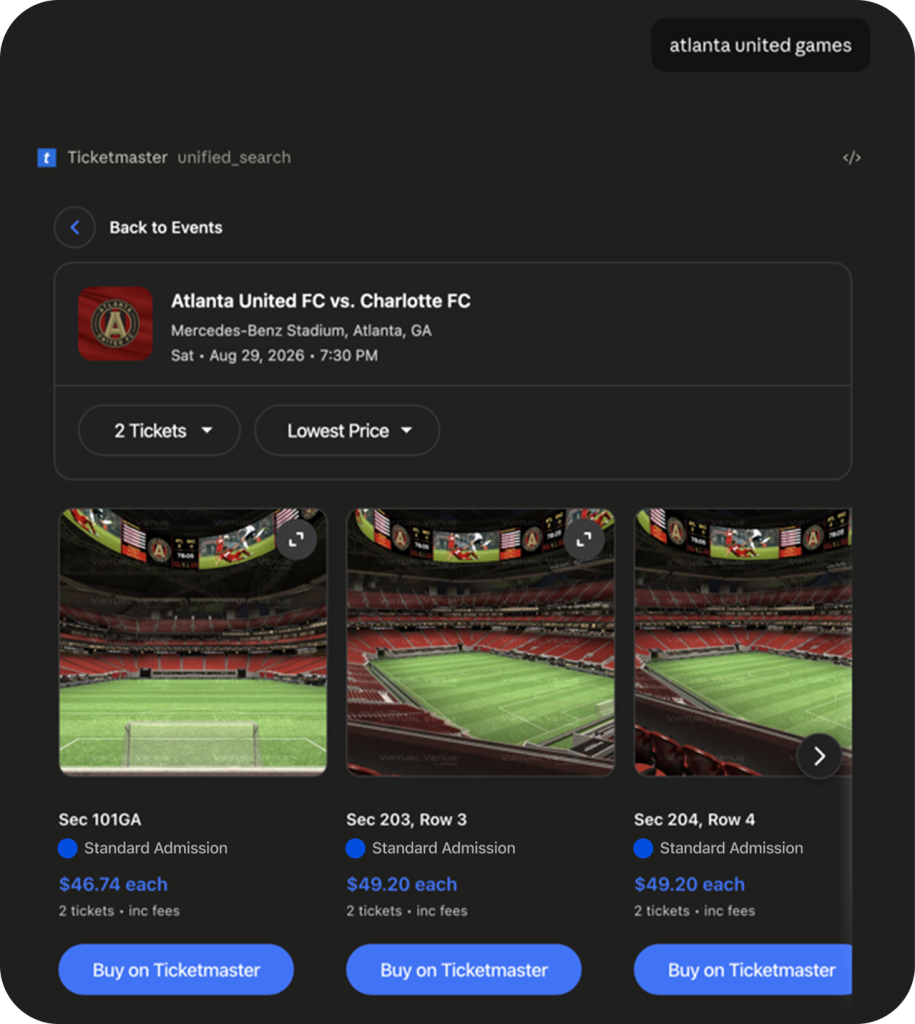
Claude users can now search Ticketmaster event listings and ticket availability without leaving the chat. By asking natural questions like, “what concerts are happening near me this month?” — you can discover and purchase tickets to the events you don’t want to miss.
Using Ticketmaster in Claude is easy. Follow these steps to find events near you:
- Go to Claude ‘Settings’ => Connectors. Search and connect to Ticketmaster in the directory.
- To start, type @Ticketmaster in Claude chat or simply ask questions about concerts, sports, theater, festivals, and other live events to surface the Ticketmaster App.
- Explore event recommendations, ticket availability, pricing, and seating options.
- Continue to Ticketmaster to complete your purchase.
Ticketmaster’s Claude integration is currently available to fans in more than 20 countries.
How To Find Ticketmaster Events with ChatGPT
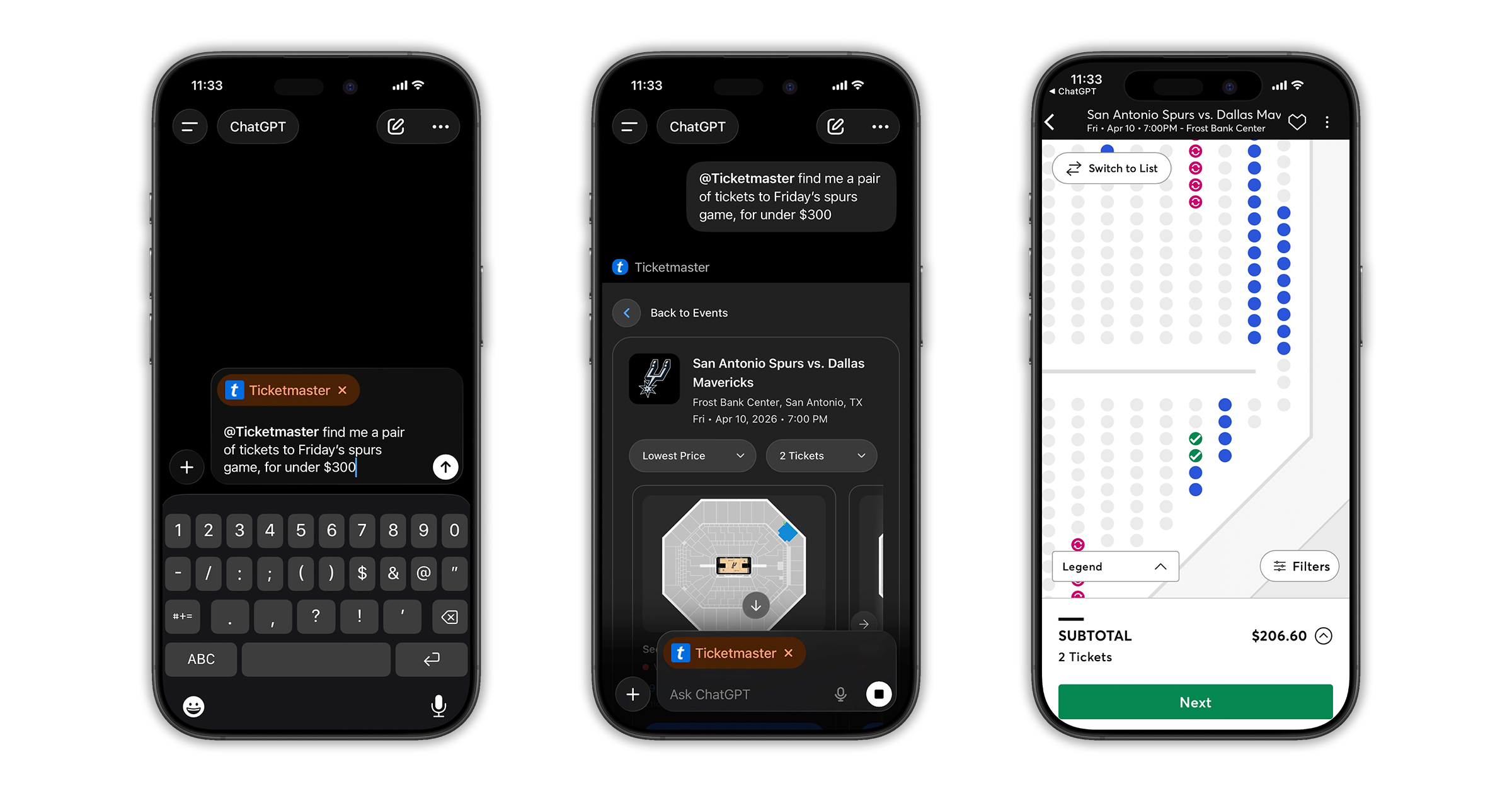
Now, you can use ChatGPT to find tickets to events happening near you. Ticketmaster has partnered with OpenAI to help fans discover events and explore ticket options while using ChatGPT, without having to leave the conversation.
Once you’re connected to the Ticketmaster app in ChatGPT, you can easily search for events, discover if your favorite artist is on tour in your city, and compare seating options.
What’s the Ticketmaster app in ChatGPT?
With the Ticketmaster app in ChatGPT, fans can discover events and compare ticket options all in one place. You’ll find an easier way to explore pricing and ticket options, and a direct path to purchase tickets safely and securely on Ticketmaster’s marketplace.
How to Use the Ticketmaster app in ChatGPT
Using Ticketmaster in ChatGPT is easy. Follow these steps to find events near you:
- Connect to the Ticketmaster app in the ChatGPT Apps Directory.
- Activate by starting a prompt with @Ticketmaster.
- Ask questions about live events, local concerts, or games.
- Explore events and ticket options, including price, section, or location.
- Complete your purchase on Ticketmaster’s secure marketplace.
Ticketmaster’s ChatGPT integration is currently available to fans in more than 20 countries.
How To Find Ticketmaster Events with Alexa+
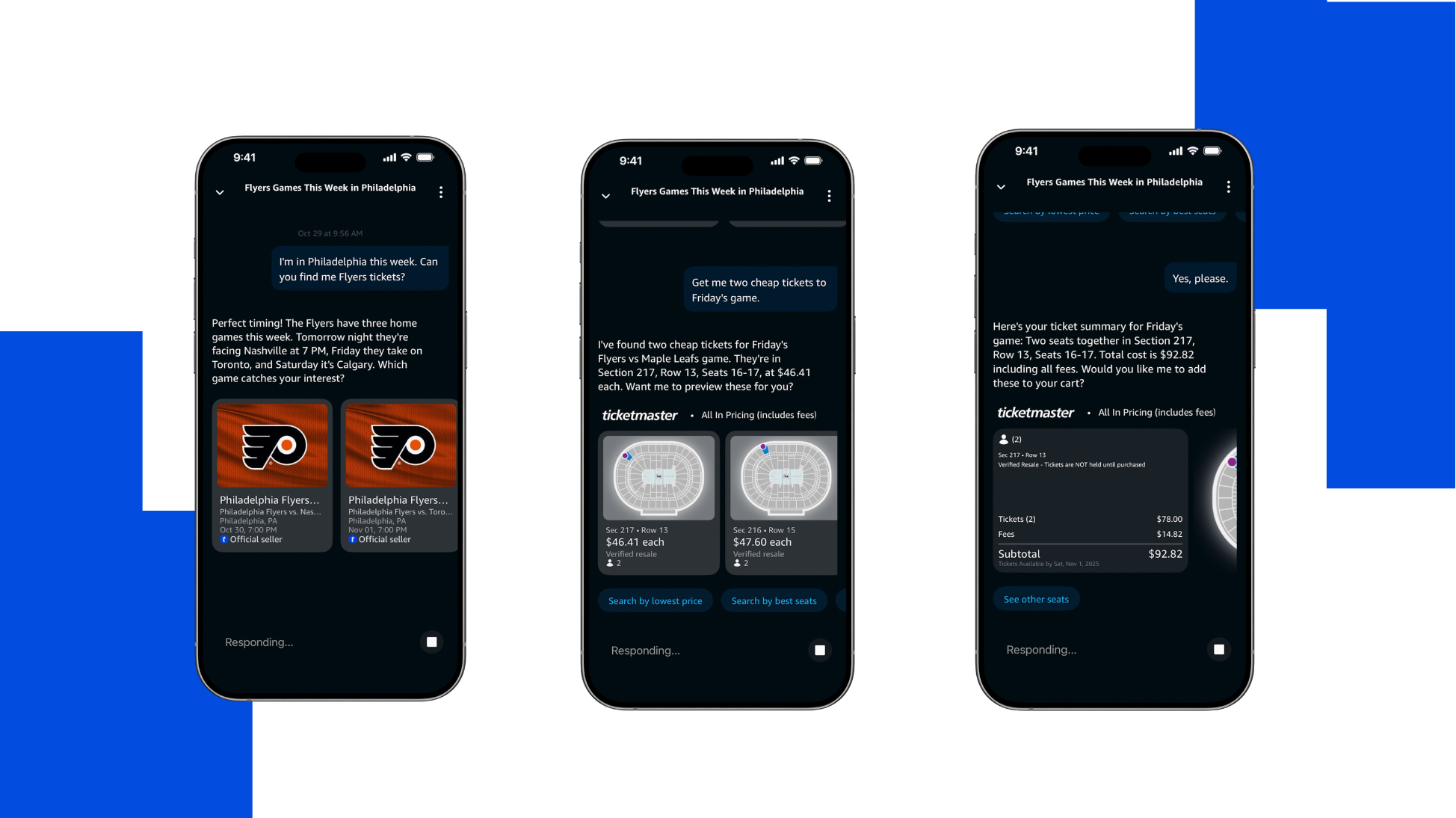
For fans with Amazon Alexa+-enabled devices, you’re just a voice command away from discovering events and buying tickets through Ticketmaster.
With Alexa+, Amazon’s next-generation personal AI assistant, gives fans in the U.S. an easier and faster way to discover live events and purchase tickets — all through simple voice commands without ever leaving Alexa+.
You can also start a conversation on one Alexa+-enabled device and pick it up on another without interruption.
Tags
You Might Like
Music
How To See Concert Setlists From Your Favorite Artists on Ticketmaster
Are you that type of music fan who checks the setlist before the concert to see if your favorite artist is gonna play your favorite song? Or to know when in ...
Sports
Game On: How to Buy Sports Tickets
Being a sports fan takes year-round dedication, and we can help you find a spot in the stands to cheer on your favorite team. Whether you’re looking to...
Music
Ticketmaster VIP Packages & Upgrades: How to Buy and Pick Up
Update (August 26): This article has been updated with the latest information around how to buy VIP Packages on Ticketmaster. Ever experience deep pangs of j...